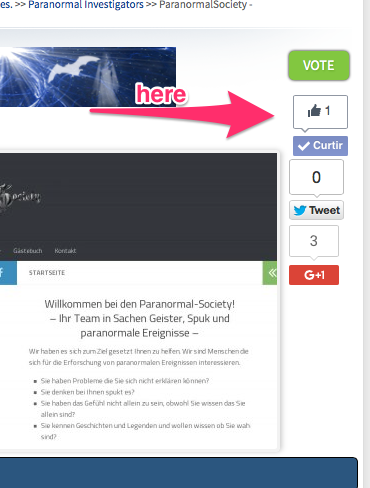
Put In Share Buttons.

mariocaliman

Member
License Active
Hello,

Where the child put the share buttons code.

Regards,


Mario Caliman
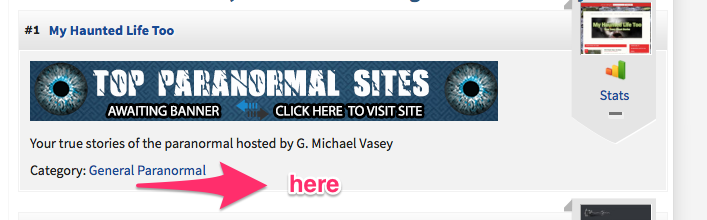
share.png
 
Hello Mariocaliman,
Go to your skin folder and you need to edit this 4 files:

  • table_row.html
  • table_row_premium.html

  • table_top_row.html
  • table_top_row_premium.html
 
Helo,

I managed to get, but when I share out only on my website, I wanted that left the mome ranking of the website.
Regards,

Mário Caliman
 
You need to change the url:

On your generated code make sure ( a href="($url)" )

This will share users urls from your website, if I misunderstood what you are requesting, please do not hesitate to reply.

Or simply paste the code so we can take a look.
 
Cajkan,

<a href="($url)")
<div align="center"><!-- Go to www.addthis.com/dashboard to customize your tools -->
<div class="addthis_sharing_toolbox"></div>
</a>
</div>

Not worked
what would be the correct?
Sorry my english :(

Mario Caliman
 
Maybe you can give us URL from your website, and give us more information what do you want to do exactly ?
 
<!-- Go to www.addthis.com/dashboard to customize your tools -->
<div class="addthis_sharing_toolbox"></div>

This is not the hole code from addthis, there must be javascript also
Read the documention again from their site

But...from what i seen, addthis not works multiple times, its for one page only and not each member on ranking
 
Back
Top